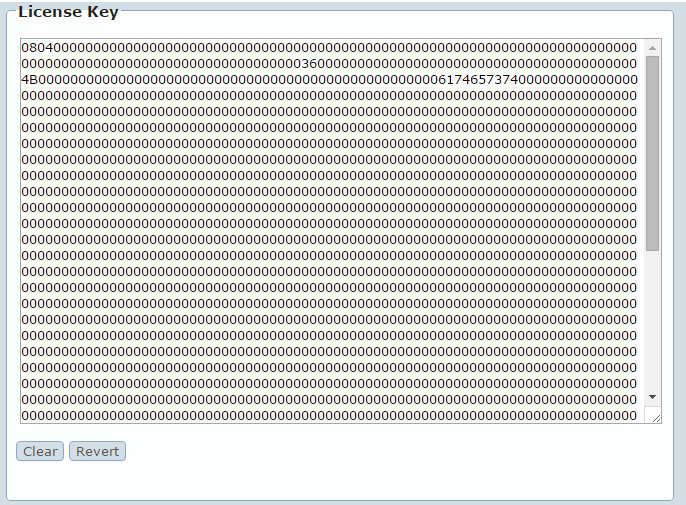
Install the BillMax License Using the Staff Portal Copy the entire license key from the email message. The license key begins with the first non-blank link after the line "-- License Key --". Login to the BillMax Staff Portal using an ID with Administrator privileges. Select System Administration > License Click Clear. Paste the license into the License Key field. Click Save in the Context Menu.